
10 Best Gaming Monitors for PS5 and Xbox (July 2026) Real Console Setups Tested
The best gaming monitors for PS5 and Xbox are the ones that behave correctly over HDMI, not the ones with the flashiest spec sheet.
In plain English, you want stable 120Hz modes, predictable VRR behavior, and ports you can actually use without workarounds.
Contents
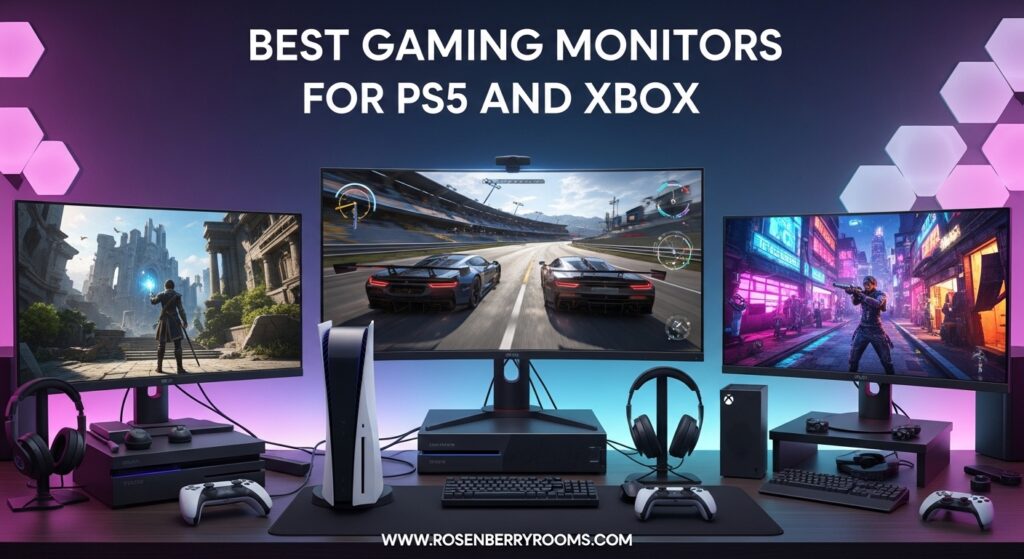
We built this list from real product data and real buyer feedback, then organized it around the decisions people get stuck on: 4K vs 1440p, 27-inch vs 32-inch, and “do I really need HDMI 2.1?”
If you’re also trying to time your purchase, skim our best monitor deals guide and come back here to match a deal to the right specs.
One thing forums get right: plenty of “high refresh” monitors only hit their headline refresh through DisplayPort For consoles, HDMI behavior is the whole story.
Top 3 Best Gaming Monitors for PS5 and Xbox (July 2026)


As an Amazon Associate we earn from qualifying purchases.
Quick Overview: 10 Best Gaming Monitors for PS5 and Xbox (July 2026)
| Product | Features | |
|---|---|---|
| KTC H27P6 27 inch 4K Dual Mode |
|
See on Amazon |
 ASUS TUF VG27UQ1A 27 inch 4K ASUS TUF VG27UQ1A 27 inch 4K |
|
See on Amazon |
 LG 27GX704A-B 27 inch QHD OLED LG 27GX704A-B 27 inch QHD OLED |
|
See on Amazon |
 LG 27GR83Q-B 27 inch QHD IPS LG 27GR83Q-B 27 inch QHD IPS |
|
See on Amazon |
 ASUS TUF VG27AQ3A 27 inch QHD ASUS TUF VG27AQ3A 27 inch QHD |
|
See on Amazon |
 Samsung Odyssey G5 G53F 27 inch QHD Samsung Odyssey G5 G53F 27 inch QHD |
|
See on Amazon |
| LG 27GS60QC-B 27 inch Curved QHD |
|
See on Amazon |
 LG 32GS60QC-B 32 inch Curved QHD LG 32GS60QC-B 32 inch Curved QHD |
|
See on Amazon |
 Acer Nitro XV271U M3 27 inch QHD Acer Nitro XV271U M3 27 inch QHD |
|
See on Amazon |
 Acer Nitro KG271U N3 27 inch QHD Acer Nitro KG271U N3 27 inch QHD |
|
See on Amazon |
We earn from qualifying purchases.
1. KTC H27P6 is the best dual-mode “one monitor for everything” pick for PS5 and Xbox
KTC 27 Inch 4K Gaming Monitor, Dual Mode UHD 160Hz & FHD...
27in 4K IPS
2x HDMI 2.1
USB-C 90W + KVM
Pros
- Dual-mode flexibility for different games
- Two HDMI 2.1 ports for consoles
- USB-C 90W plus KVM for desk setups
- Fully adjustable stand
Cons
- Joystick OSD can feel awkward
- External power brick adds clutter
This is one of the few monitors where the feature list matches how console players actually use a screen, which is why it stands out among the best gaming monitors for PS5 and Xbox.
The dual-mode idea (4K up to 160Hz or 1080p up to 320Hz) makes it easy to match different genres without buying two displays.
For PS5 and Xbox, I like seeing two HDMI 2.1 ports because it removes a lot of switching pain.
The USB-C up to 90W and KVM support also make it a strong choice if your console shares a desk with a laptop.
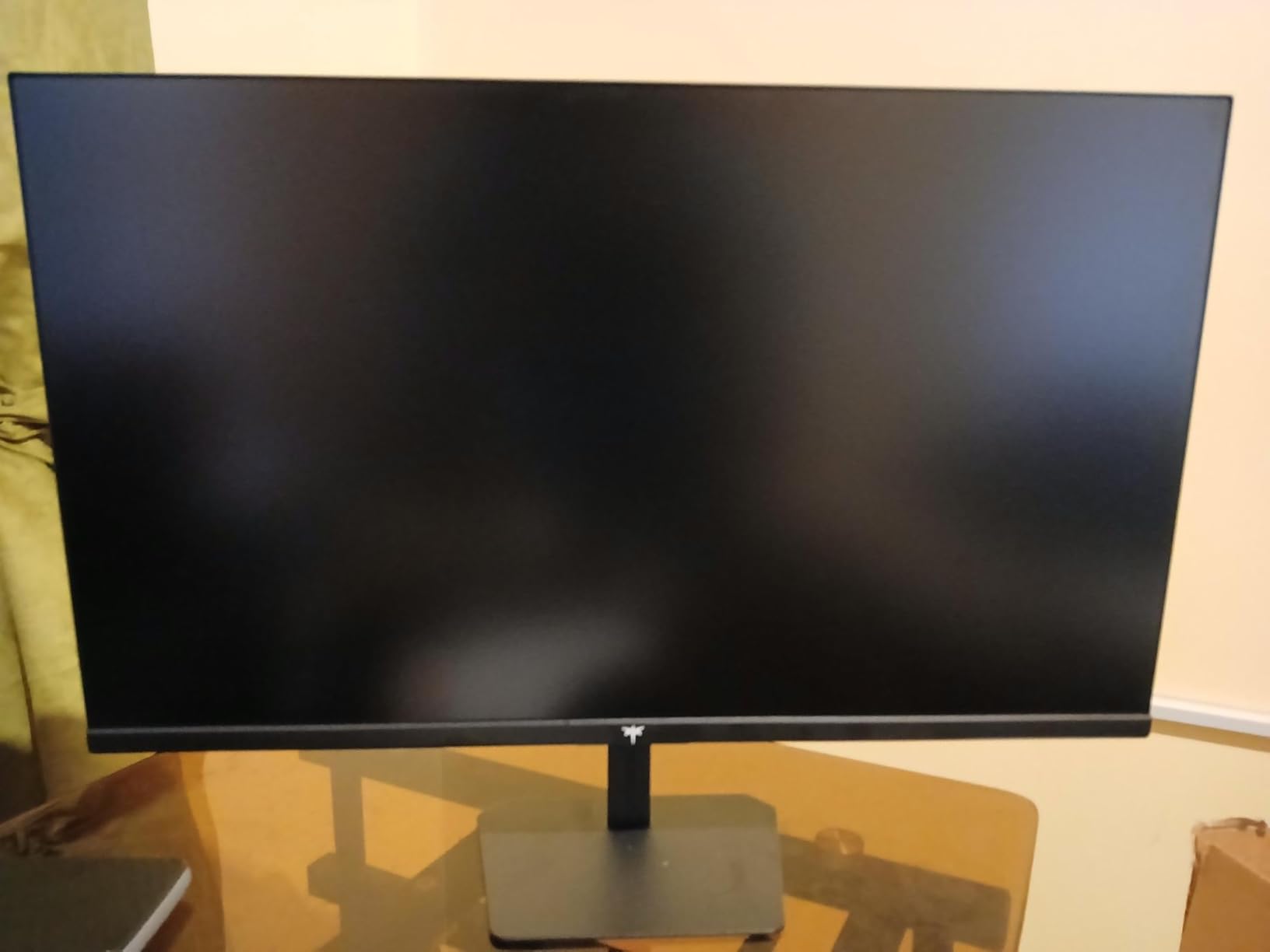
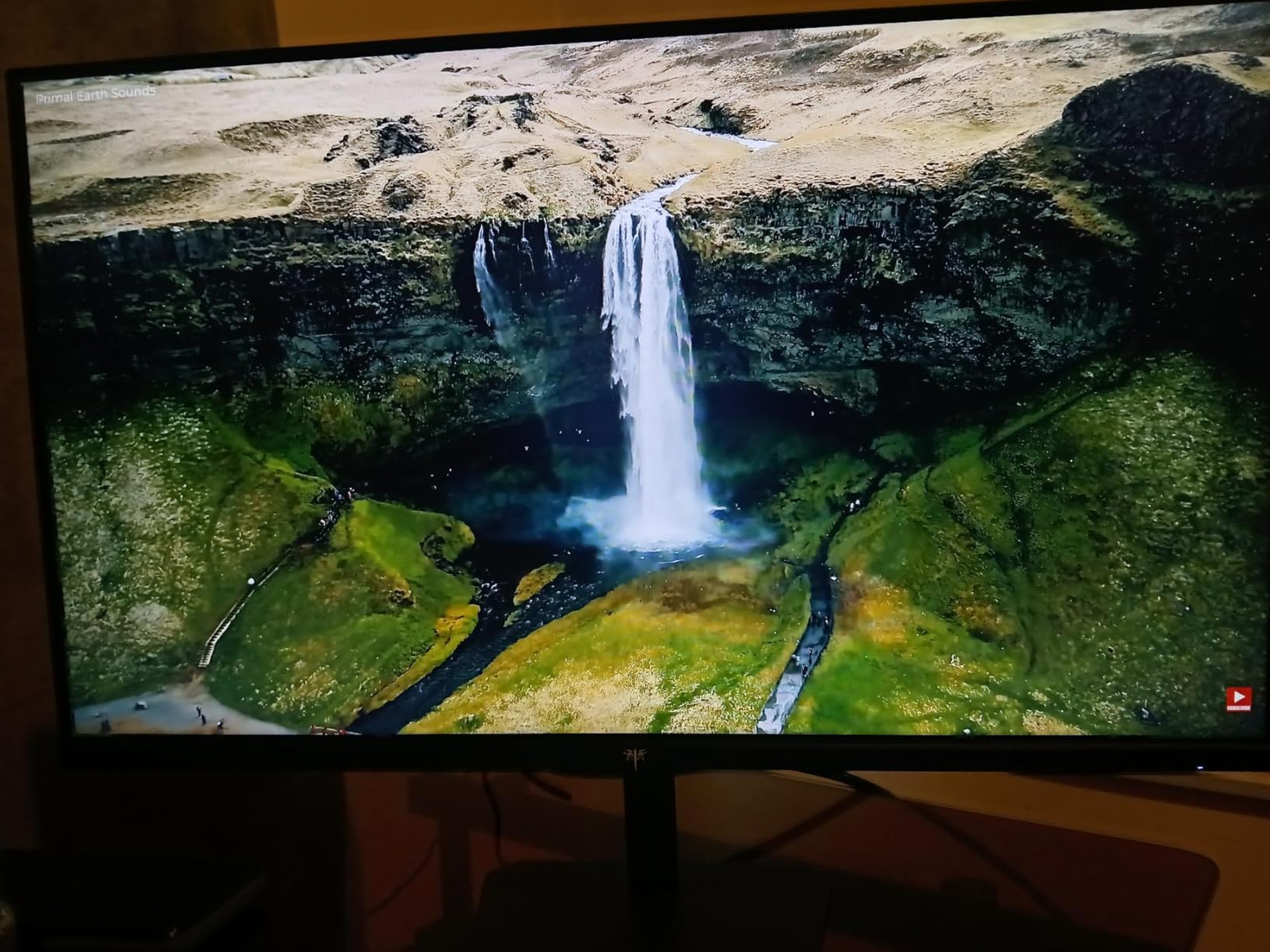
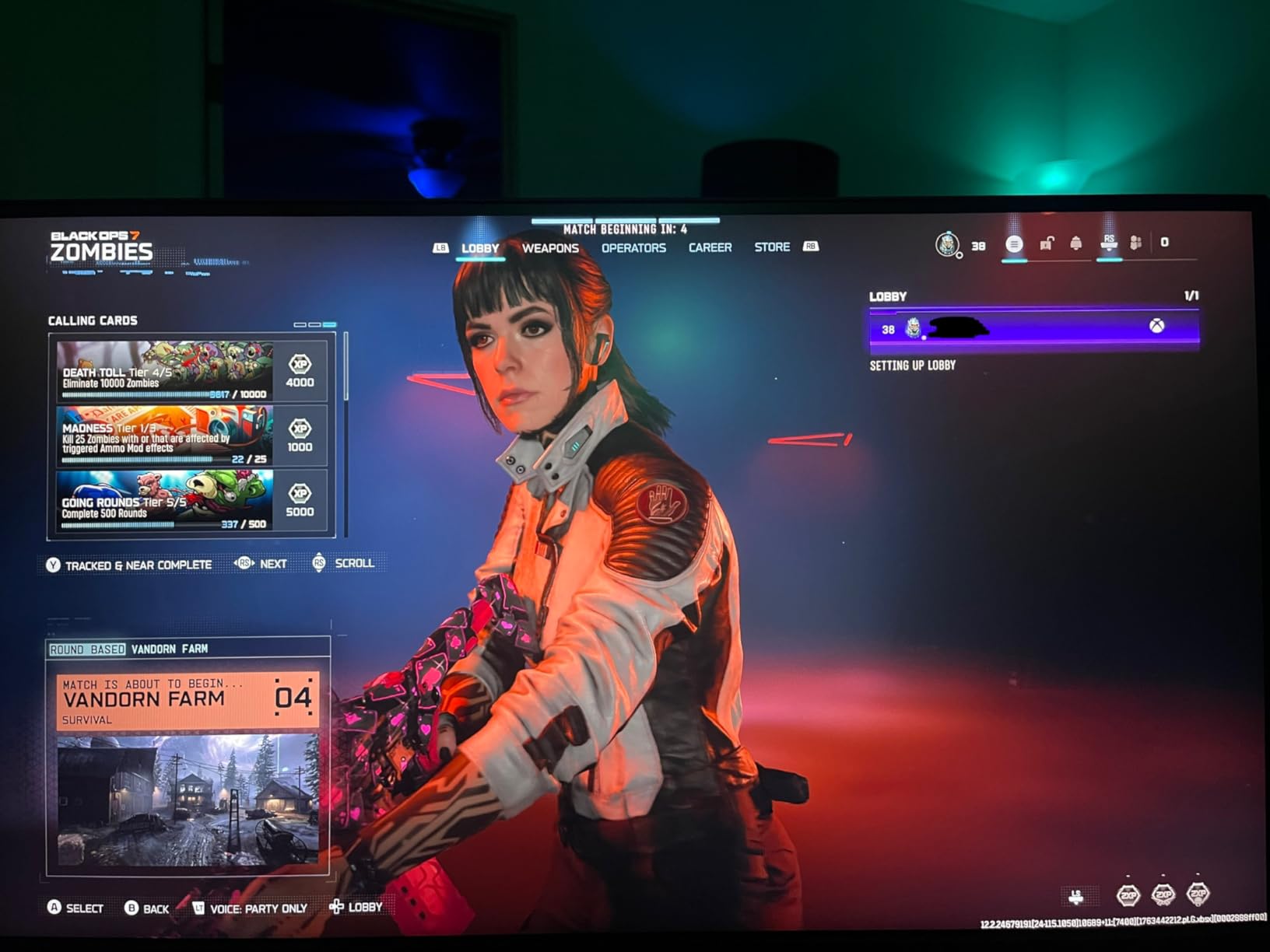
Buyer feedback frequently mentions clean image quality and smooth gaming, which is exactly what you want from a 27-inch 4K panel.
On the spec sheet, it also calls out HDR400 and wide color coverage claims, which helps for games with bright UI and colorful scenes.
The stand being height/pivot/swivel/tilt adjustable is not glamorous, but it matters for long sessions.
If you’ve ever tried to play competitive shooters on a screen that’s too low, you know why I pay attention to this detail.
This monitor is great for you if you want one screen that can handle 4K detail and fast modes
If you play a mix of cinematic games and competitive shooters, the dual-mode setup fits that reality.
If you own both consoles and want fewer cable swaps, dual HDMI 2.1 is a real convenience.
Avoid this monitor if you hate joystick menus or you need the cleanest possible cable management
If you tweak settings often, joystick OSD controls can get annoying.
If your desk setup is very tight, the external power brick is one more bulky item to hide.
2. ASUS TUF VG27UQ1A is the best straightforward 4K pick if you want a sharp console image without going OLED
ASUS TUF Gaming 27” 4K HDR Monitor (VG27UQ1A) – 160Hz...
27in 4K
160Hz class
FreeSync Premium
Pros
- Very sharp 4K image for console games
- Smooth feel in high-refresh modes
- Strong gaming feature set for the tier
- Good reputation in the TUF line
Cons
- Stand ergonomics can be limited
- Some owners report flicker or defects
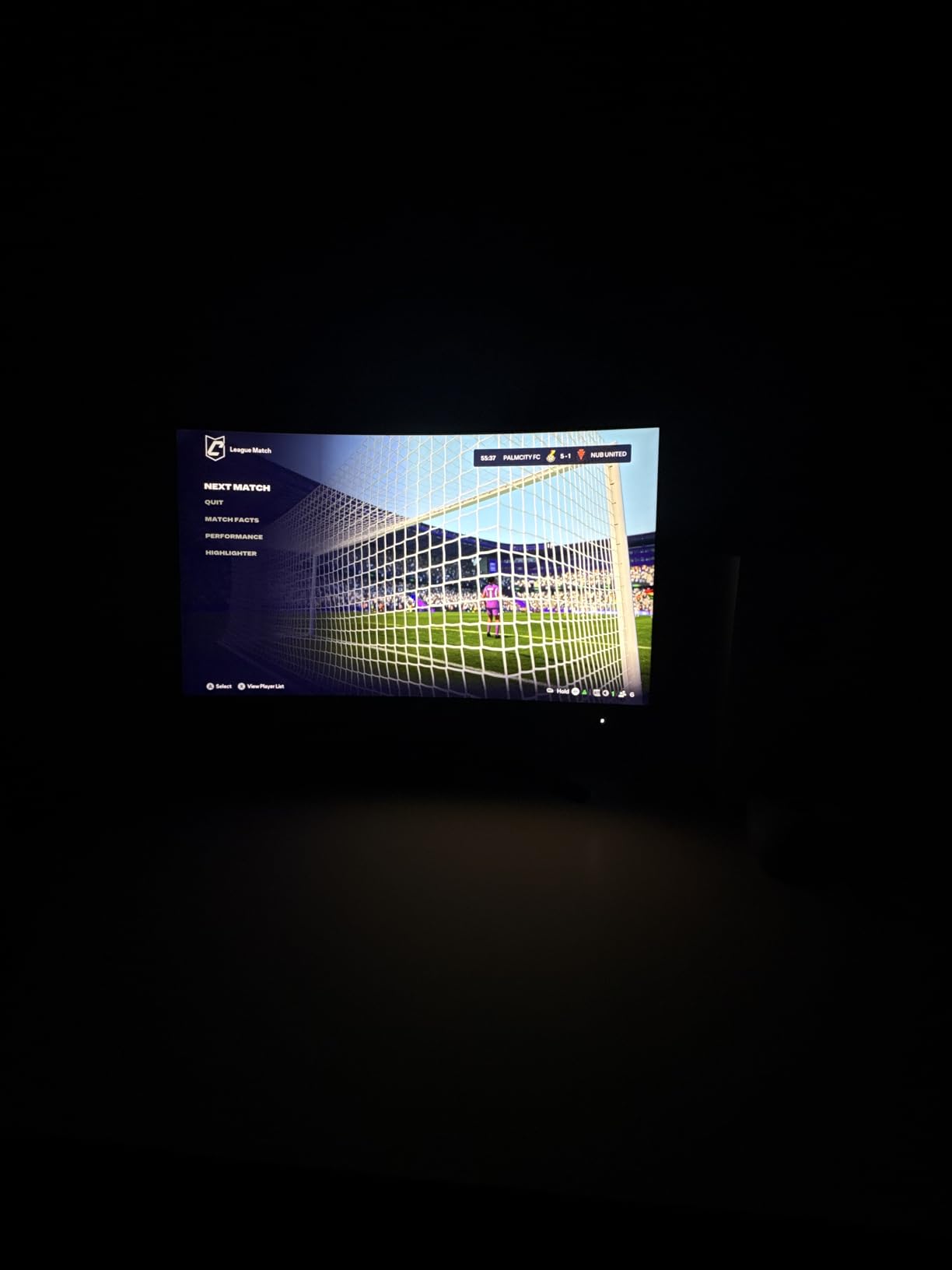
If your goal is “4K looks crisp on a desk,” this ASUS is easy to understand and easy to recommend.
It’s a 27-inch 4K monitor with a 160Hz-class refresh rating, plus FreeSync Premium and HDR support listed.
In buyer feedback, most people praise the sharpness and responsiveness.
A smaller slice mentions flicker or unit issues, which is why I always recommend testing your console 120Hz mode early.
On consoles, 27-inch 4K is a clarity-first setup.
Text, HUD elements, and fine detail in single-player games tend to look excellent at typical desk distance.
The practical downside is ergonomics, because not everyone can position it perfectly on the stock stand.
If you already have a VESA arm, that “stand problem” usually disappears.
This monitor is great for you if you want crisp 4K detail and a familiar gaming feature set
If you sit close and care about texture detail, 4K at 27 inches is a great fit.
If you want a known gaming brand without switching panel types, this is a solid route.
Avoid this monitor if you need guaranteed QC consistency or you rely on a highly adjustable stand
If you’re sensitive to flicker, test VRR and 120Hz behavior during your return window.
If you want full ergonomics without add-ons, choose a different stand design or plan for an arm.
3. LG 27GX704A-B is the best OLED pick when you want the most “wow” contrast for PS5 and Xbox
LG 27GX704A-B 27-inch Ultragear QHD (2650x1440) OLED Gaming...
27in QHD OLED
2x HDMI 2.1
240Hz class
Pros
- OLED contrast makes dark scenes look rich
- Very fast response specs for motion clarity
- Two HDMI 2.1 ports suit consoles
- True Black 400 class HDR
Cons
- No built-in speakers
- Low-quality sources can look harsher
If you’ve only used IPS or VA monitors, OLED is the fastest way to make console games look different.
Shadow detail, black levels, and “pop” in darker scenes are the reasons people buy it.
This LG is a 27-inch QHD OLED with a 240Hz-class refresh rating and an ultra-fast response spec (0.03ms).
It also includes dual HDMI 2.1 ports, which is exactly what console-first buyers keep asking for in forum threads.
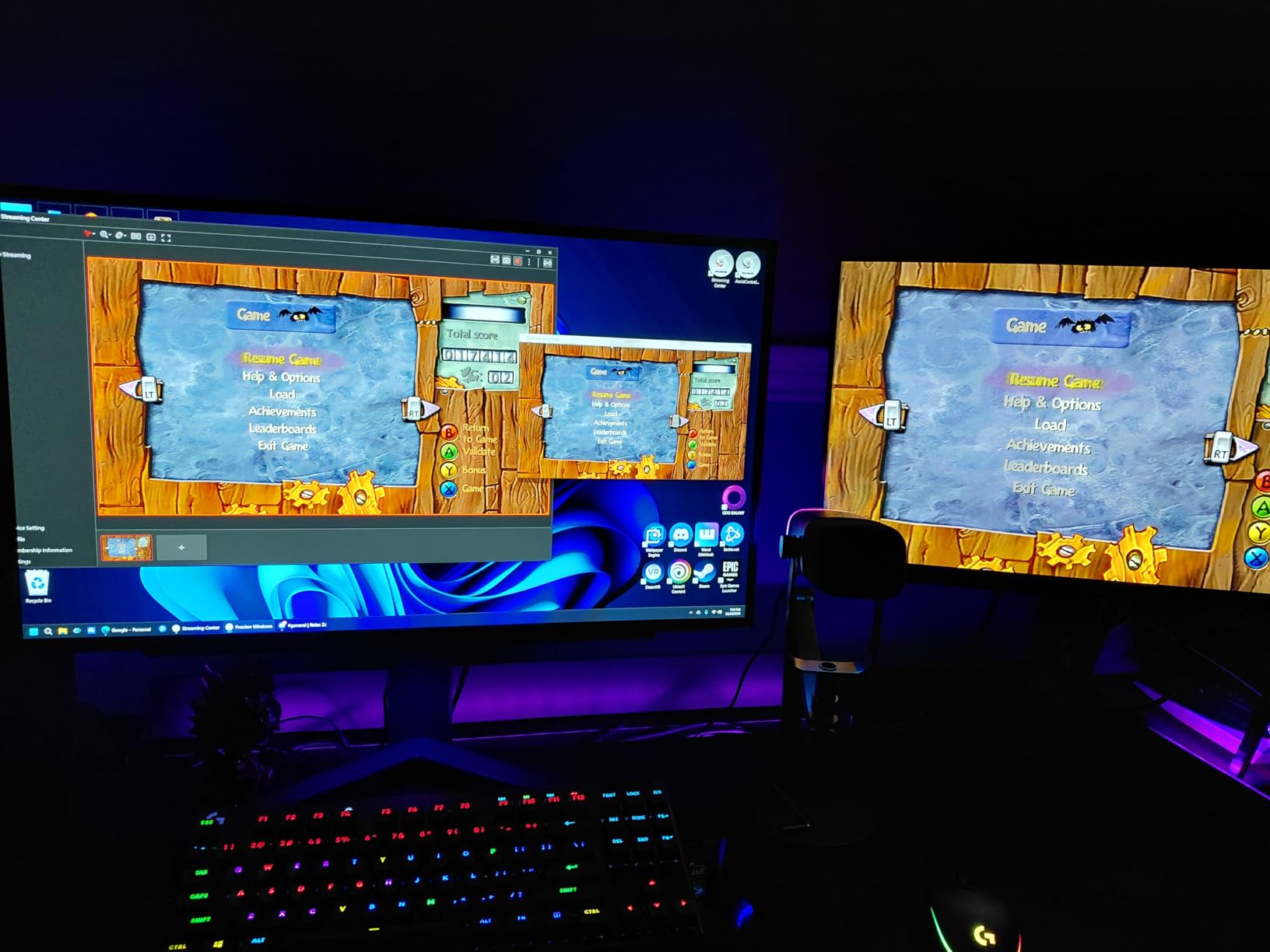
Owner feedback is very positive on the “looks amazing and feels fast” part.
The trade-offs are mostly about what OLED reveals: compression, banding, and messy source quality can be more visible.
It also doesn’t include speakers, so think about audio before you mount it.
If you’re always on a headset, you’ll probably never notice this downside.
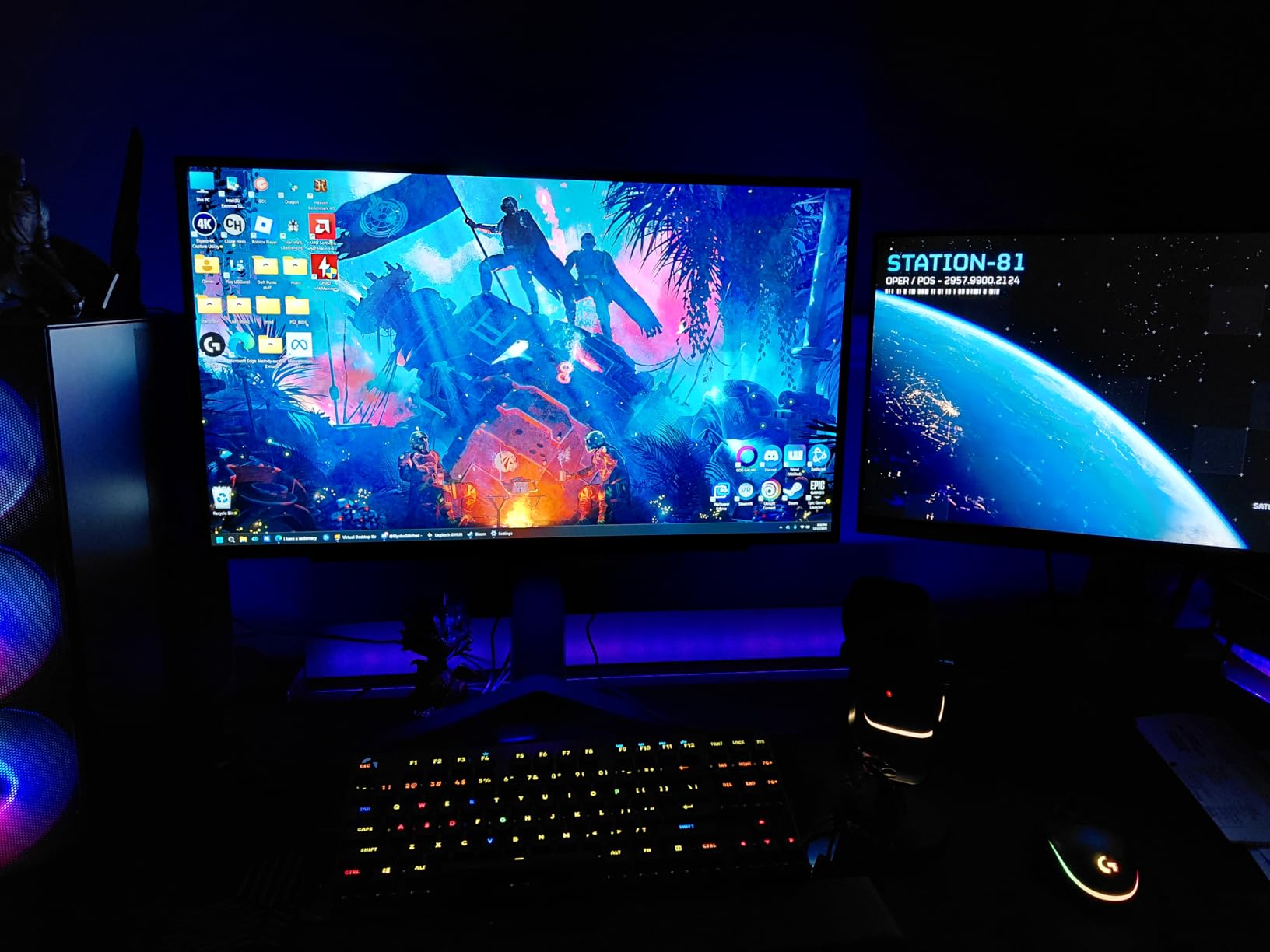
This monitor is great for you if you prioritize contrast and color more than raw resolution
If you mostly play story games, OLED is where you’ll notice the biggest difference.
If you also play competitive titles, the high refresh and response specs are a strong bonus.
Avoid this monitor if you need built-in speakers or you dislike seeing every source flaw
If you need audio from the monitor, this is not the right pick.
If you watch lots of low-bitrate content, OLED can make artifacts stand out more than you’d like.
4. LG 27GR83Q-B is the best fast QHD IPS pick if you want HDMI 2.1 listed and a 240Hz-class panel
LG 27GR83Q-B 27-inch Ultragear QHD (2560x1440) IPS Gaming...
27in QHD IPS
HDMI 2.1
240Hz class
Pros
- Fast feel for competitive games
- QHD stays sharp at 27 inches
- HDMI 2.1 listed for console use
- Good balance for console and PC
Cons
- HDR400 is limited
- Occasional dead-pixel reports
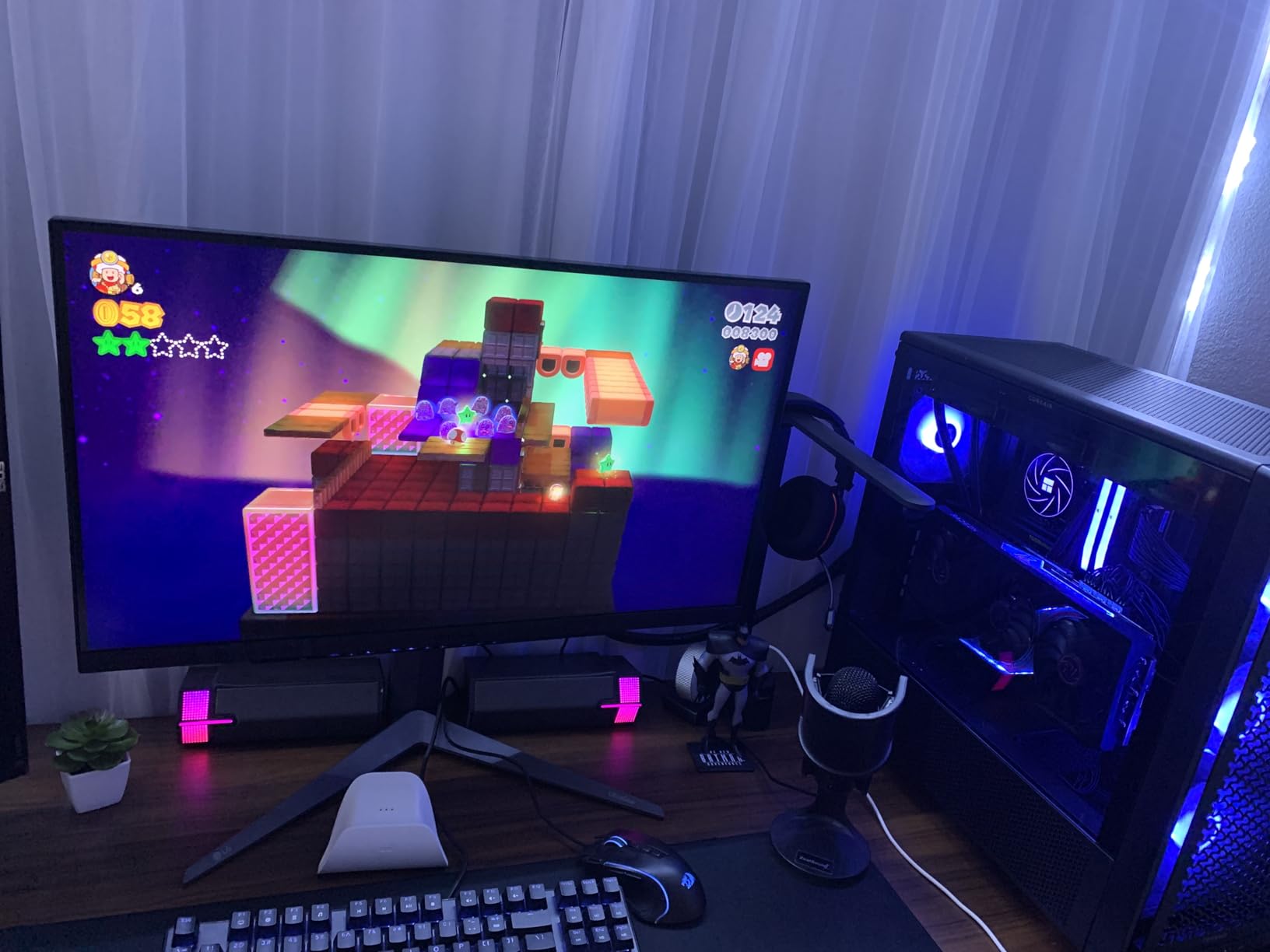
This is the pick I like for players who care about motion clarity and responsiveness first.
You get a 27-inch QHD IPS panel with a 240Hz-class refresh rating and HDMI 2.1 listed in the specs.
That HDMI detail matters because console gamers keep getting burned by monitors that are excellent through DisplayPort but fussy through HDMI.
Seeing HDMI 2.1 here is a confidence boost for a PS5 and Xbox desk setup.
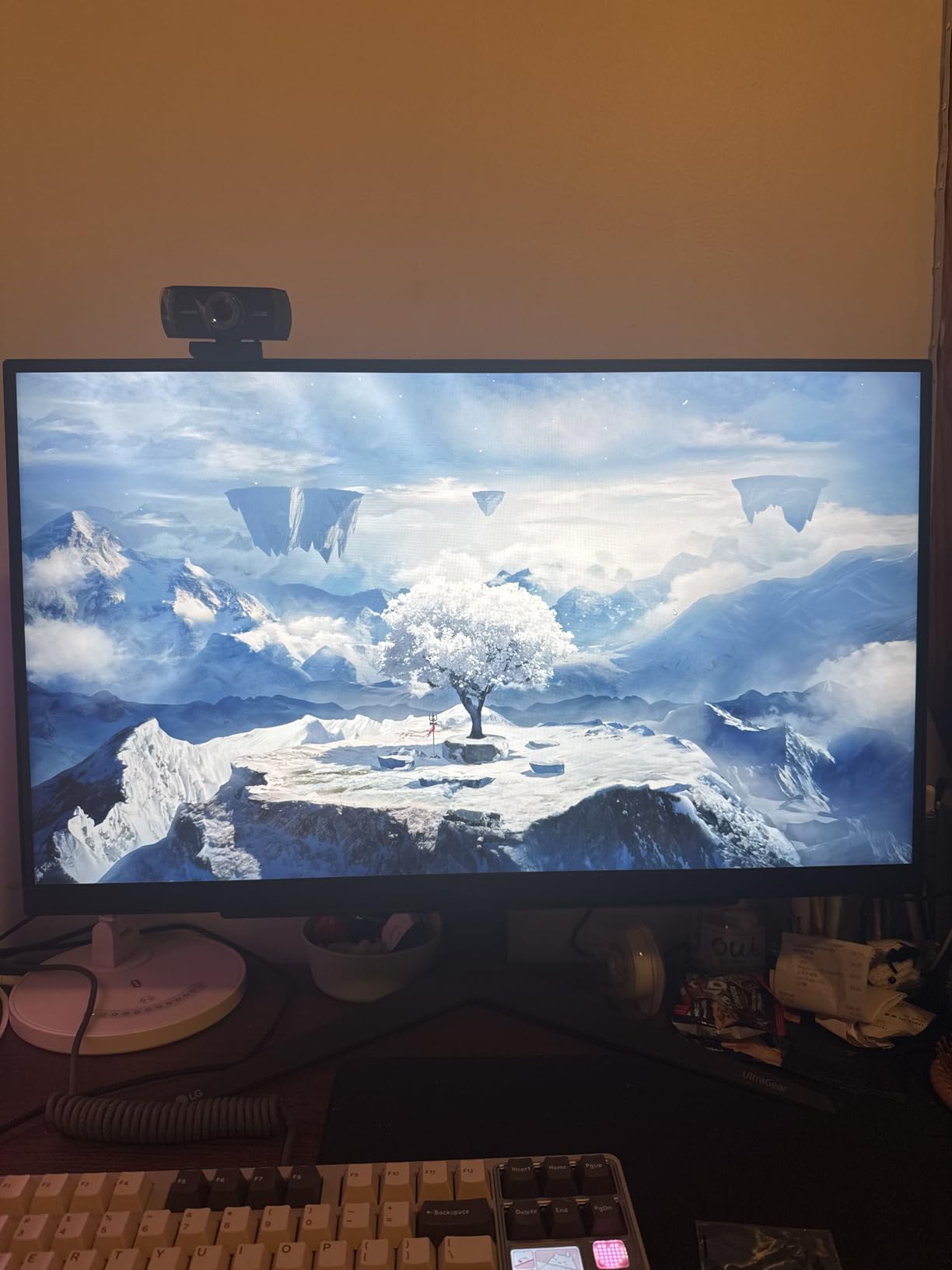
Owner sentiment is strong on speed and clarity, which is the point of this class of monitor.
The main caveats are the usual ones: HDR400 is entry-level HDR, and some buyers report panel defects.
If you buy it, do a dead-pixel check and a console 120Hz check right away.
It’s a quick test that saves headaches.
This monitor is great for you if you play competitive shooters and want a sharp QHD screen for mixed use
If you play at a desk and like a fast, clean IPS look, this is a strong fit.
If you game on console and sometimes on PC, QHD IPS is a practical middle ground.
Avoid this monitor if HDR impact is your main priority or you can’t tolerate panel lottery
If you want “true HDR punch,” entry HDR tiers rarely deliver it.
If a single dead pixel ruins your day, buy from a seller with easy exchanges and test immediately.
5. ASUS TUF VG27AQ3A is the best QHD fast‑IPS pick for smooth console gaming with minimal fuss
ASUS TUF Gaming 27” 1440P HDR Monitor (VG27AQ3A) – QHD...
27in QHD Fast IPS
180Hz class
HDR10
Pros
- Sharp QHD image at 27 inches
- High refresh feel for fast games
- Fast IPS viewing angles and color
- Strong overall spec balance
Cons
- Built-in audio is basic
- Some edge-case setup issues
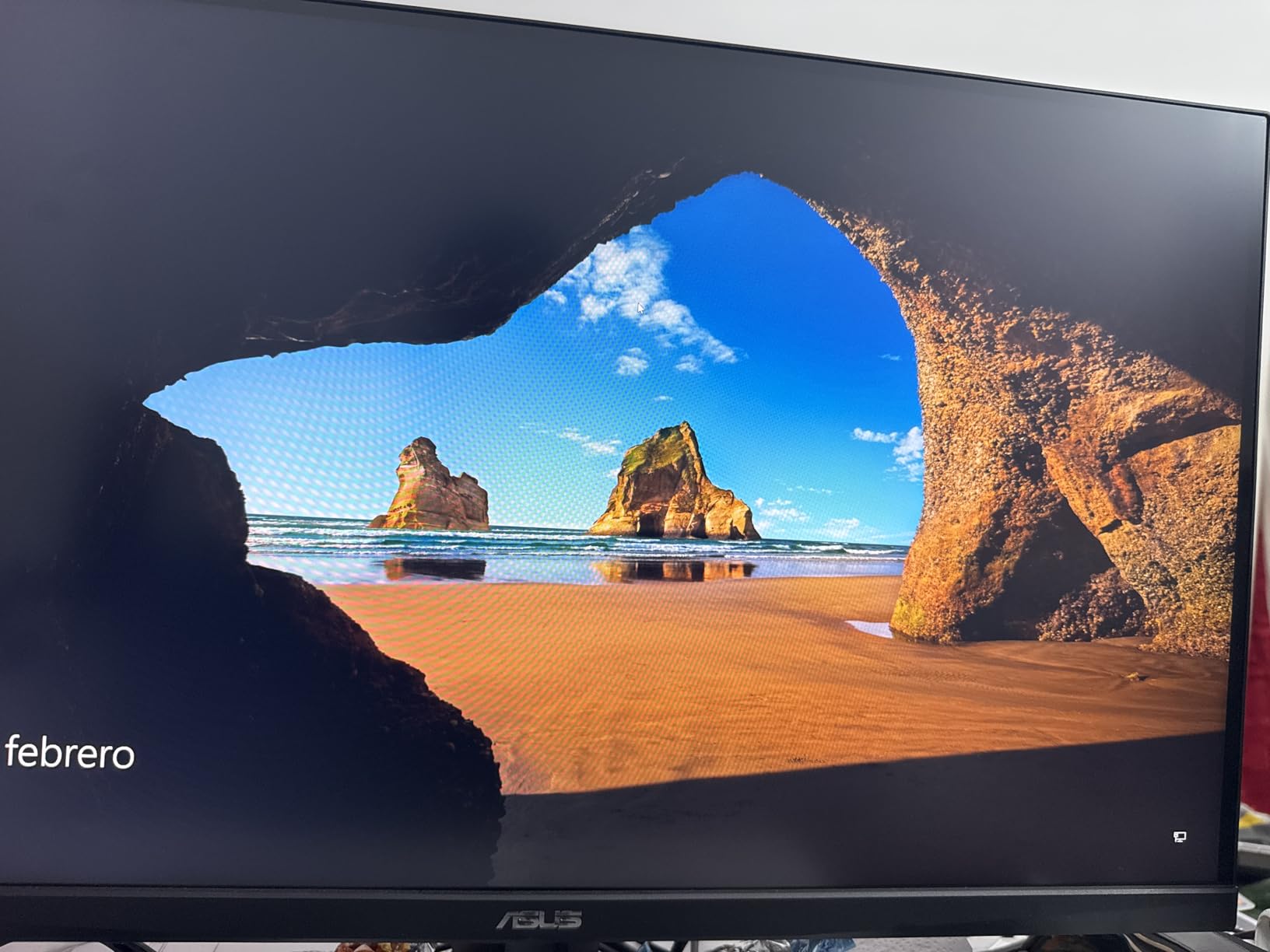
For many console players, 27-inch QHD is the sweet spot that feels right without constant tweaking.
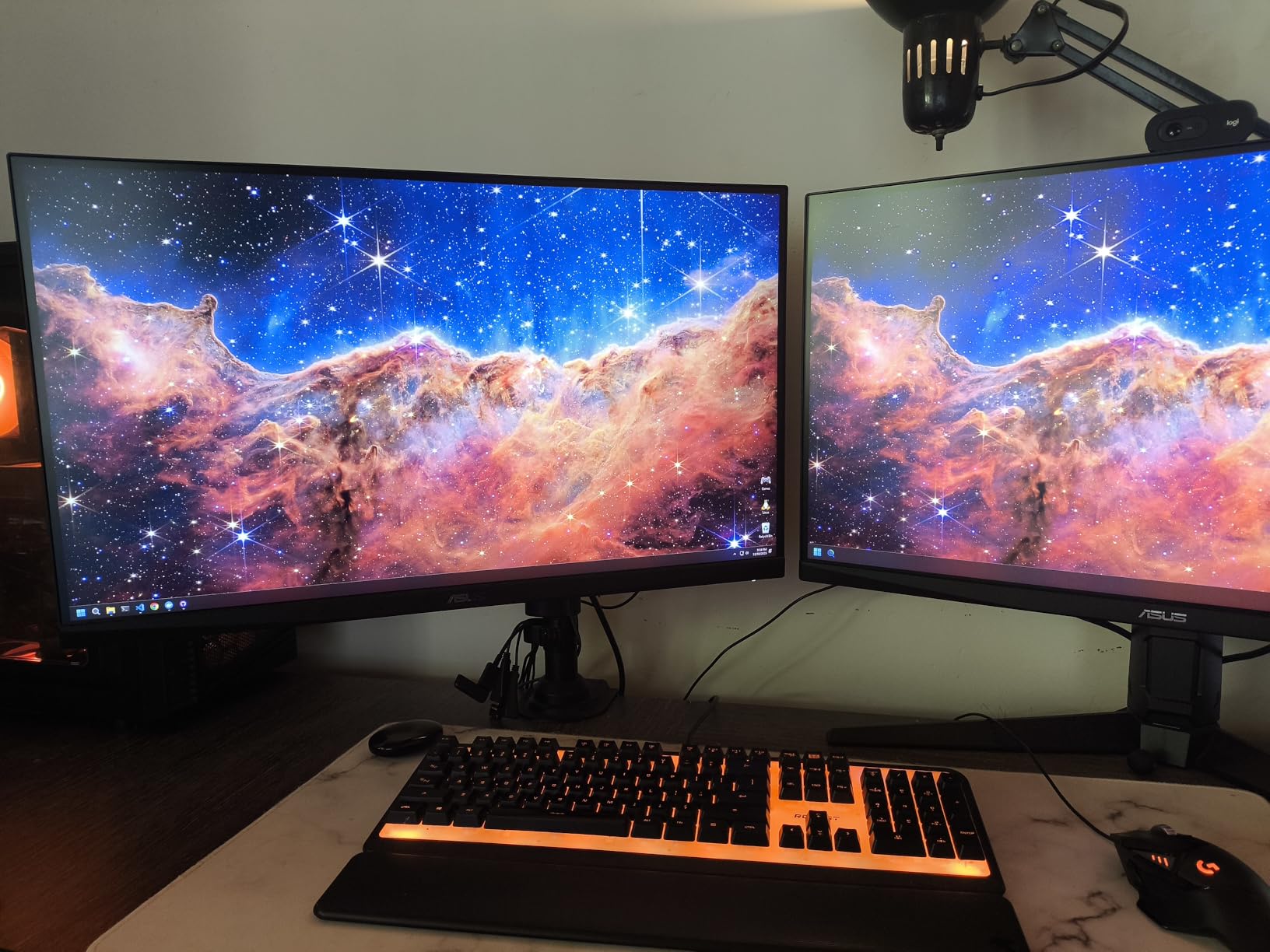
This ASUS fits that idea with a fast IPS panel and a 180Hz-class refresh rating.
Buyer feedback is consistently positive on sharpness and smoothness.
The complaints tend to be smaller items like basic audio or occasional setup edge cases.
I like QHD here because it keeps the image crisp without forcing you to treat every game like a 4K showcase.
On consoles, that can translate into an easier time sticking to performance modes that feel responsive.
If you’re the type who never wants to open a monitor menu, do at least one quick pass through the presets.
That’s usually where you fix oversharpening and overly bright “showroom” modes.
This monitor is great for you if you want QHD clarity and a fast feel for competitive games
If you play a mix of shooters and open-world games at a desk, this size and resolution are a great match.
If you want smoother motion without chasing extreme specs, this is a strong choice.
Avoid this monitor if you need great built-in speakers or you want zero setup tinkering
If monitor speakers matter, you’ll want separate audio either way.
If you dislike changing settings, pick a model known for “plug in and forget it” simplicity.
6. Samsung Odyssey G5 G53F is the best QHD IPS pick if you want a 200Hz-class refresh rating and familiar gaming tools
SAMSUNG 27” Odyssey G5 G53F QHD Resolution Gaming Monitor...
27in QHD IPS
200Hz class
FreeSync Premium
Pros
- Crisp QHD image with vibrant color
- Smooth motion for fast games
- Helpful gaming tools like Black Equalizer
- Good all-around use for console and PC
Cons
- Stand has no height adjustment
- Extreme mode can ghost
This Odyssey model makes sense if you want a major brand QHD IPS monitor with a very high refresh rating.
It’s also built with gaming tools like Black Equalizer, Virtual Aim Point, and auto source switching listed in the product details.
Owner feedback often focuses on “sharp and smooth,” which is exactly what you want for console performance modes.
It’s also a good mixed-use monitor if your setup is gaming at night and work during the day.
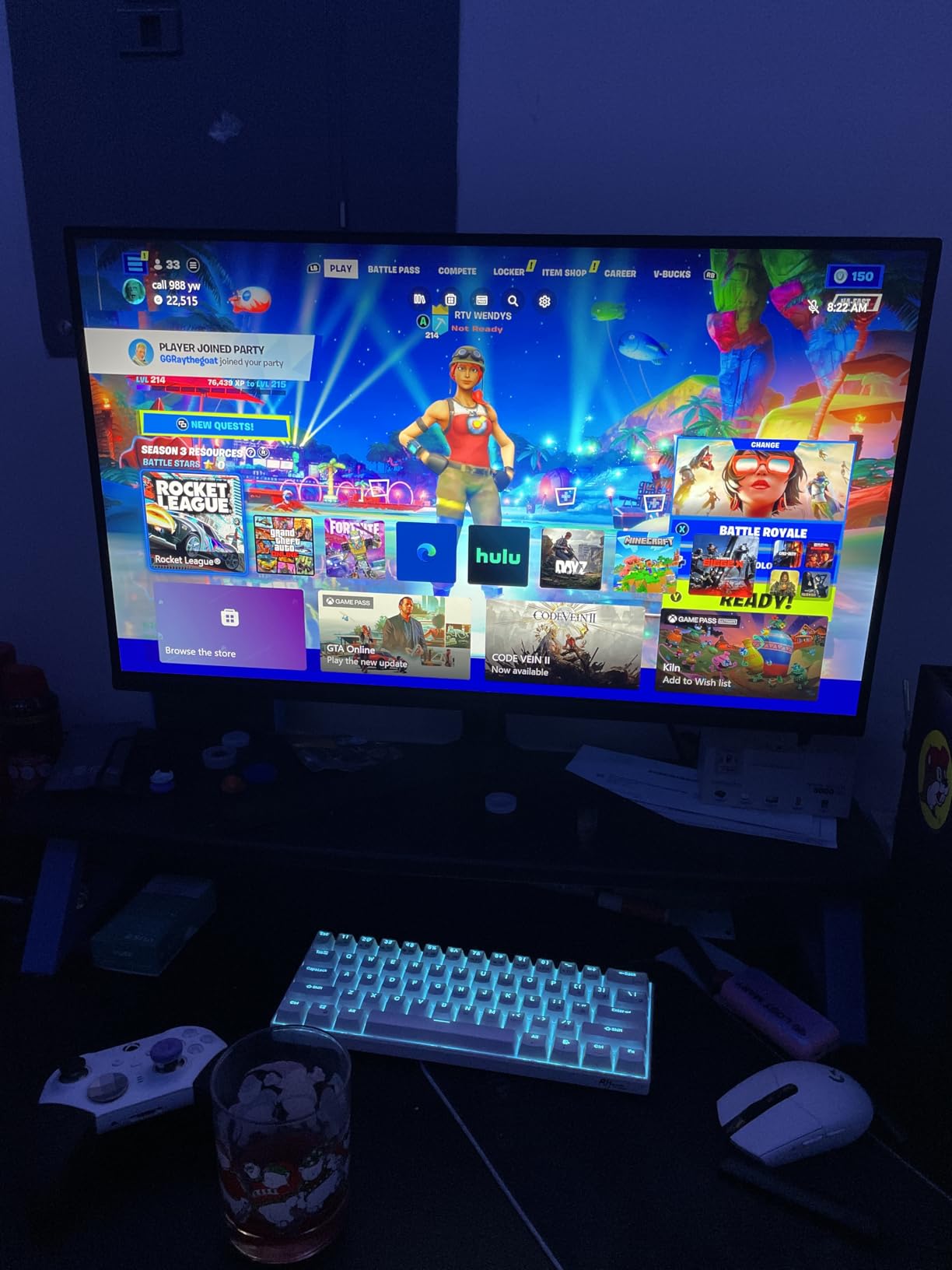
The main downside is physical: no height adjustment on the stock stand.
If you already own a VESA arm, that problem goes away.
Also, don’t assume the fastest response-time setting is the best one.
Some buyers mention ghosting in extreme modes, so I’d keep settings moderate and prioritize stability.
This monitor is great for you if you want a smooth QHD IPS screen and you already use a monitor arm
If your desk is already set up for VESA mounting, this becomes an easy pick.
If you like Samsung’s gaming OSD tools, this model gives you those extras.
Avoid this monitor if you need height adjustment or you’re sensitive to ghosting from extreme modes
If you want full ergonomics without buying extra hardware, choose a different stand design.
If you notice ghosting, avoid the most aggressive response setting and retest VRR behavior.
7. LG 27GS60QC-B is the best curved 27-inch QHD pick if you want immersion and massive owner traction
LG 27GS60QC-B Ultragear 27-inch Curved Gaming Monitor QHD...
27in QHD curved
1000R curve
180Hz class
Pros
- Very strong owner traction
- Immersive 1000R curve for desk play
- Smooth motion for fast games
- Handy gaming OSD tools
Cons
- Not aimed at pro color work
- VESA mounting may need spacers
This is the “a lot of people bought it and kept it” option.
The core recipe is simple: 27-inch QHD, 180Hz-class refresh, FreeSync support listed, and a strong 1000R curve.
The curve is the deciding factor.
If you sit close at a desk, it can feel more natural in games, but for straight-line work it’s a personal preference.
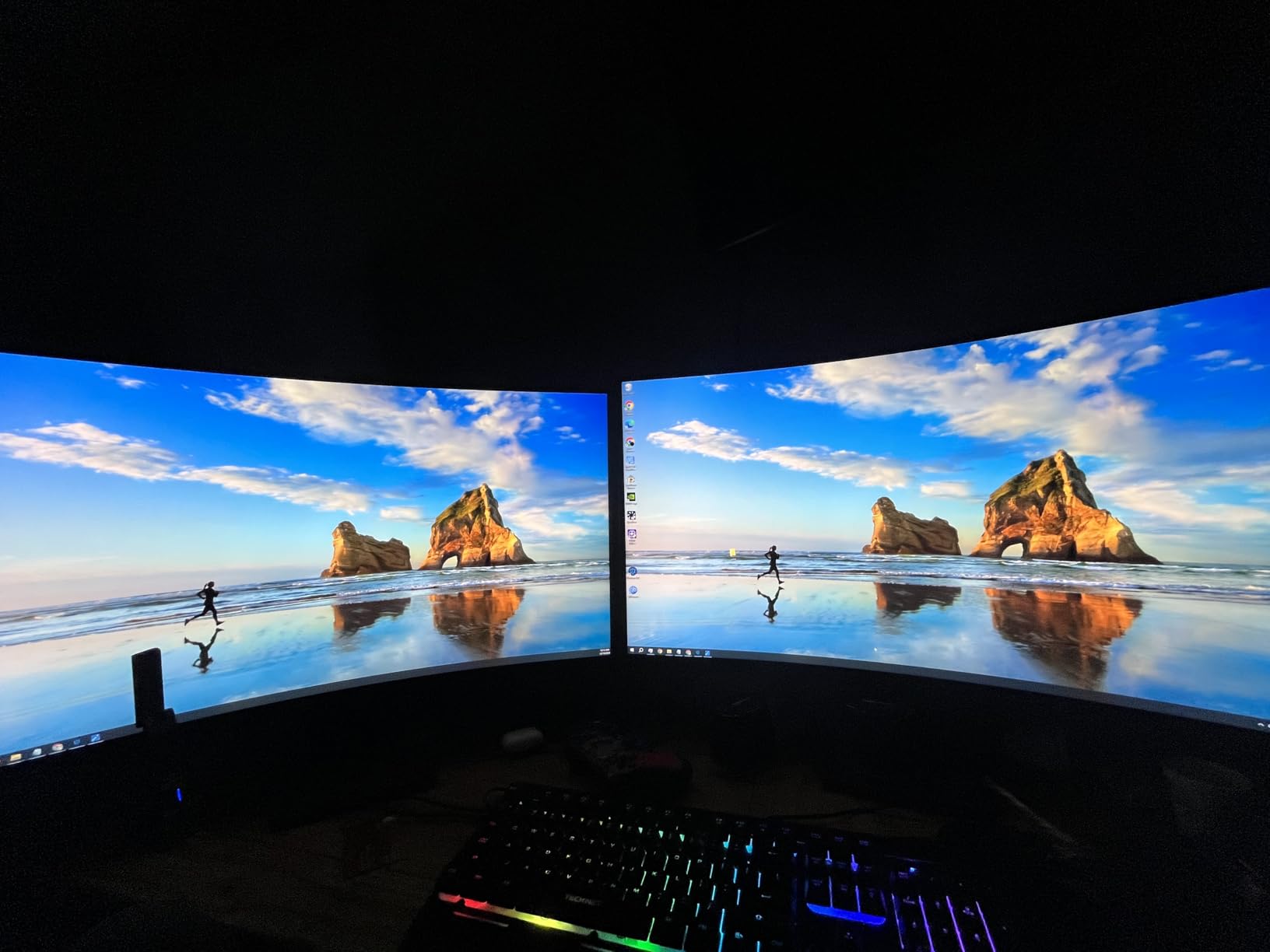
Buyer feedback is largely positive on smoothness and “good gaming feel.”
The common quirks are practical: some people mention VESA mounting needing washers or spacers.
I also like that the product details call out gaming tools like Dynamic Action Sync and Black Stabilizer.
Those features are small, but they can make setup faster if you’re coming from a TV.
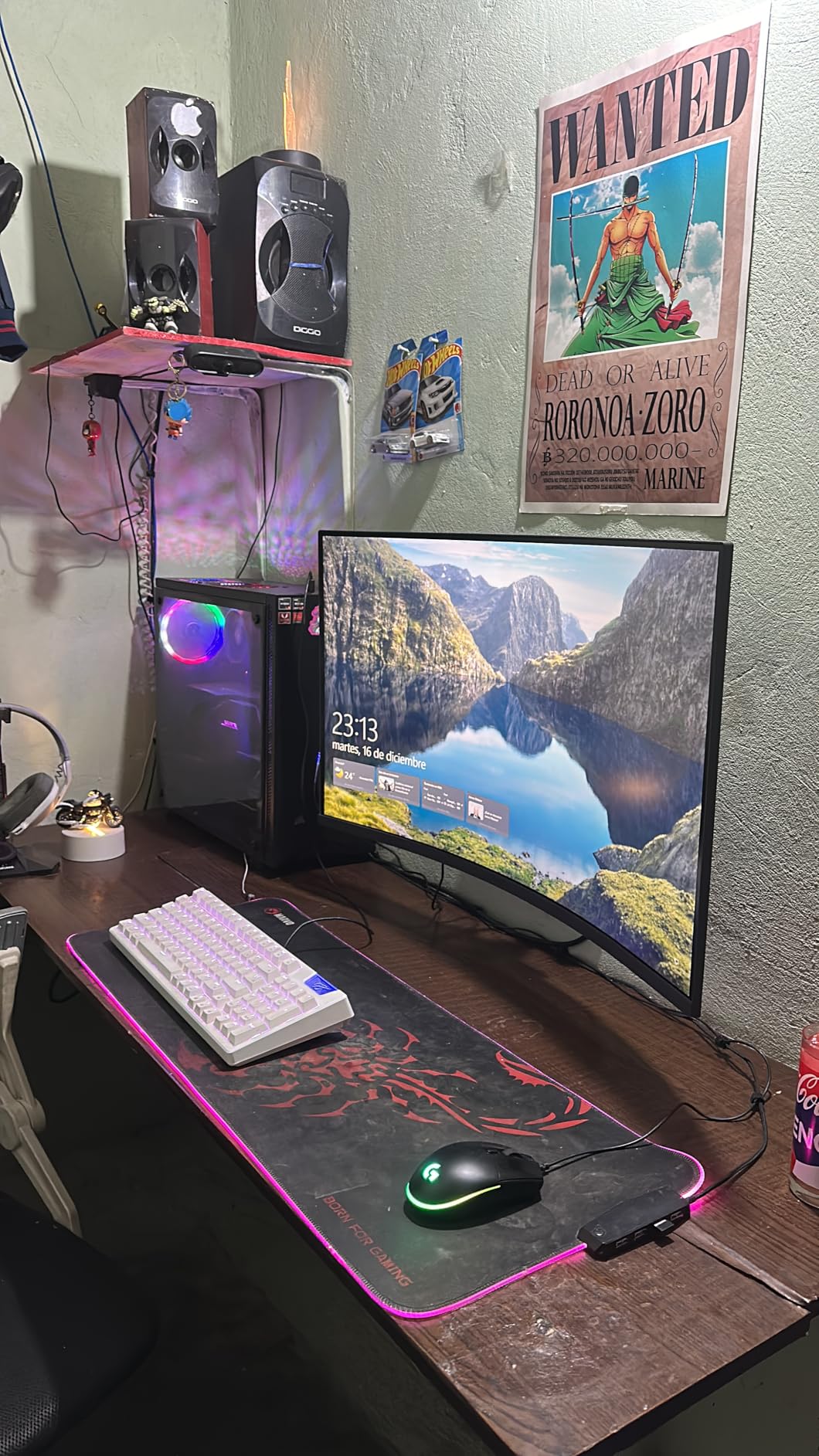
This monitor is great for you if you want an immersive curved QHD screen for a desk setup
If you sit at arm’s length, the curve can make games feel more enveloping.
If you want strong all-around console gaming without going 4K, this is an easy recommendation.
Avoid this monitor if you need flat-screen geometry for work or you hate dealing with mounting oddities
If a curve bothers you in everyday tasks, stick with a flat IPS screen.
If you plan to mount it, confirm your hardware and keep basic spacers handy.
8. LG 32GS60QC-B is the best curved 32-inch QHD pick if you sit farther back and want a bigger console feel
LG 32GS60QC-B Ultragear 32-inch Curved Gaming Monitor QHD...
32in QHD curved
1000R curve
180Hz class
Pros
- 32-inch size boosts immersion
- QHD keeps performance modes comfortable
- Smooth motion for fast games
- Good fit for farther seating
Cons
- Takes space on shallow desks
- Ergonomics can be limiting
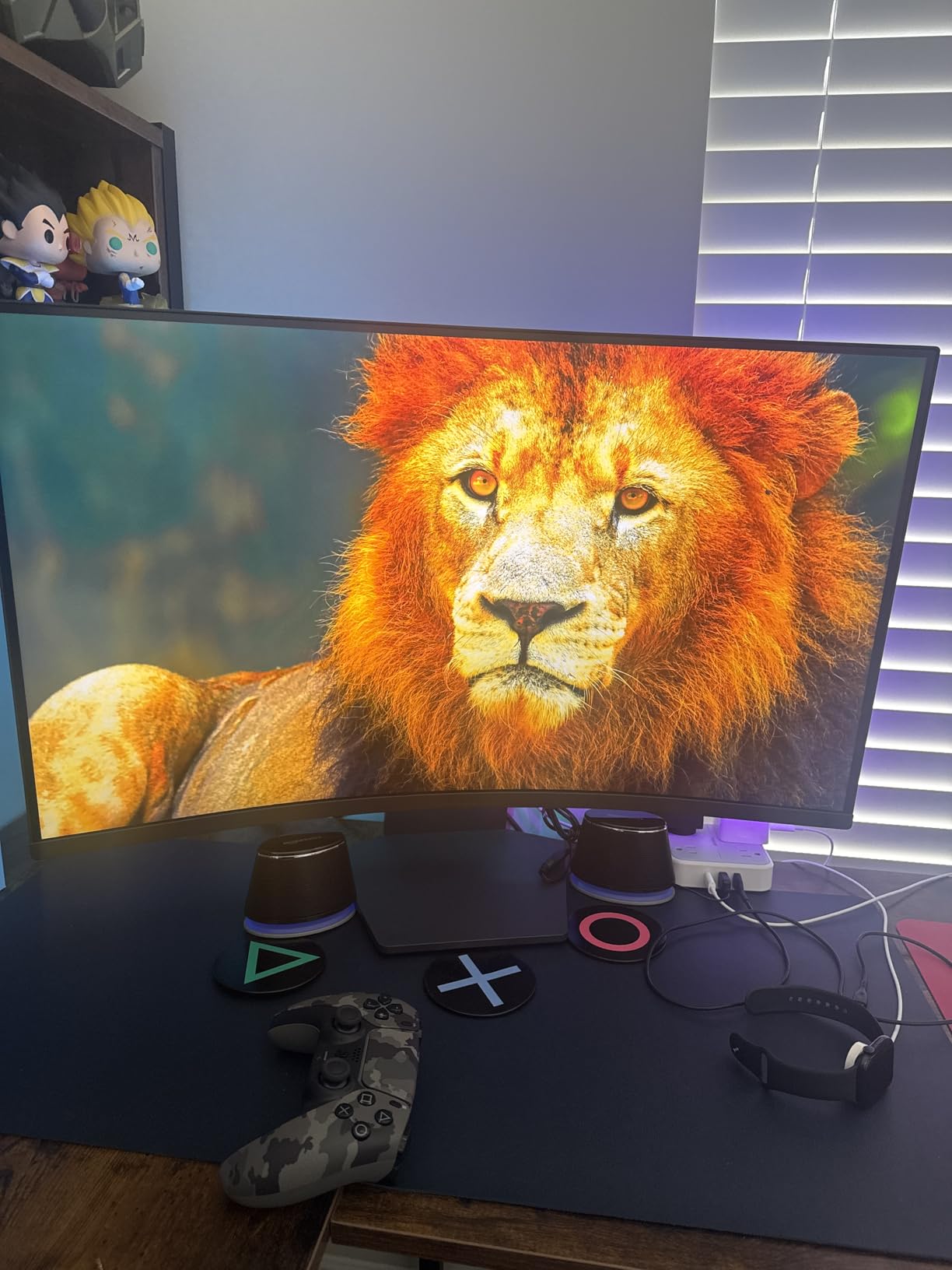
If 27 inches feels small for console gaming, 32 inches is the size jump you notice immediately.
This model gives you that bigger canvas while keeping QHD, which many players prefer for consistent performance-mode play.
Forum discussions match this choice: 27-inch for tight desk setups, 32-inch for relaxed play and longer viewing distance.
If you sit farther back, 32 inches can feel closer to a “mini living-room” setup without becoming an actual TV.
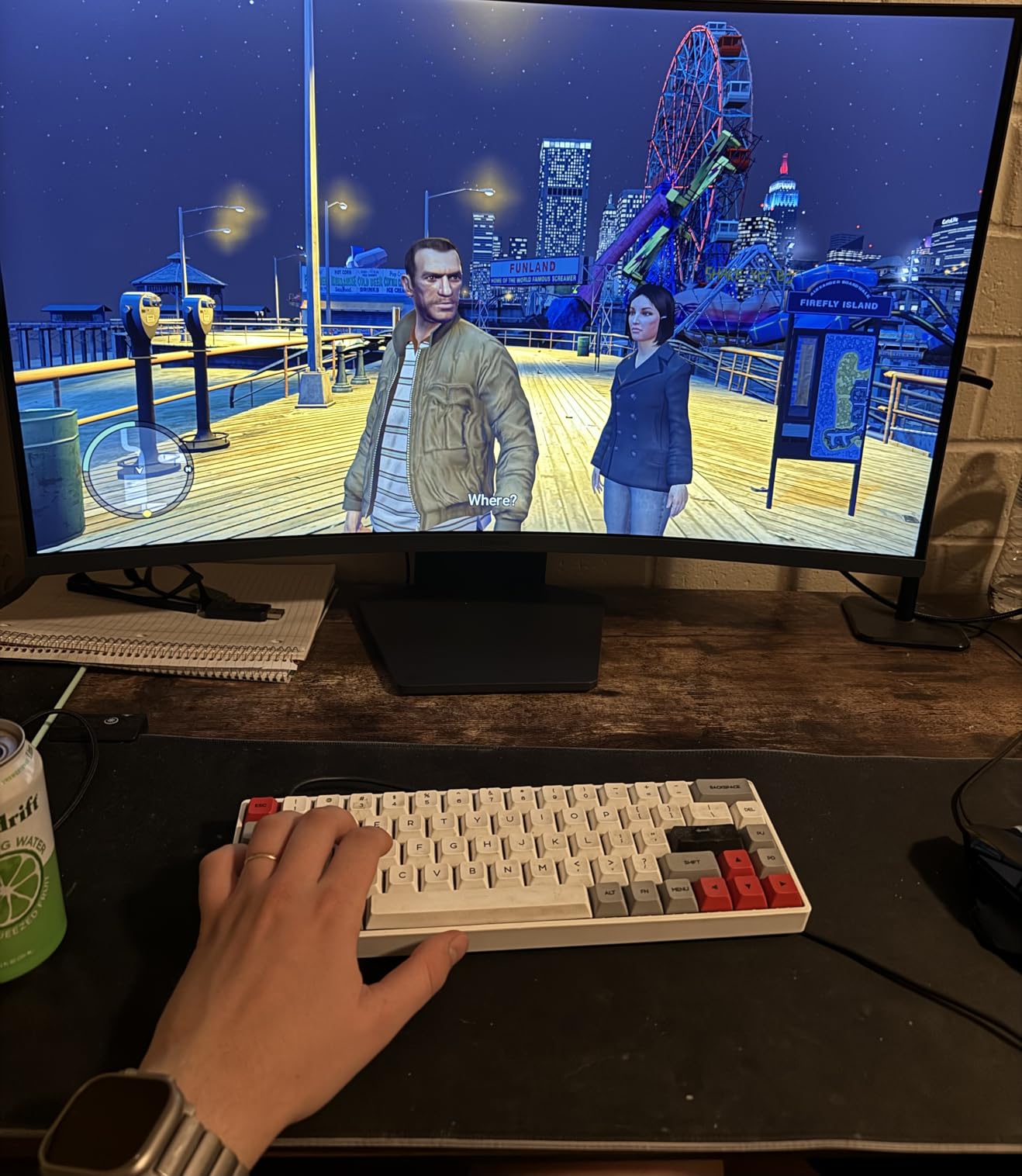
Owner feedback is broadly positive on immersion and smoothness.
The trade-offs tend to be about ergonomics, because big curved screens are harder to position perfectly on a basic stand.
If you plan to mount it, confirm VESA details before you order your arm.
That’s a small step that prevents the “why doesn’t this fit” headache later.
This monitor is great for you if you want a bigger view at a desk and you don’t sit right on top of the screen
If you play open-world, racing, or sports games, the size and curve can be very satisfying.
If you want a bigger picture without committing to 4K, QHD is a practical choice.
Avoid this monitor if you have a shallow desk or you need a highly adjustable stand with no add-ons
If your desk is tight, a 32-inch curved screen can feel overwhelming up close.
If you need perfect height and tilt, plan for an arm or choose a more adjustable stand design.
9. Acer Nitro XV271U M3 is the best “read the HDMI limits” QHD pick for gamers who also use a PC
Acer Nitro 27" WQHD 2560 x 1440 PC Gaming IPS Monitor | AMD...
27in QHD IPS
FreeSync Premium
HDMI up to 144Hz
Pros
- Excellent QHD value with IPS clarity
- 95% DCI-P3 color gamut listed
- Ergonomic stand adjustment
- High refresh headroom for PC
Cons
- Top refresh relies on DisplayPort
- Speakers are weak
This Acer is a perfect example of why console shopping needs an HDMI-first mindset.
The product details list up to 180Hz over DisplayPort and up to 144Hz over HDMI.
For PS5 and Xbox, that’s not automatically a problem because you’re typically targeting stable 120Hz modes.
It does mean you should treat the highest refresh number as PC-focused and concentrate on clean 120Hz behavior over HDMI.
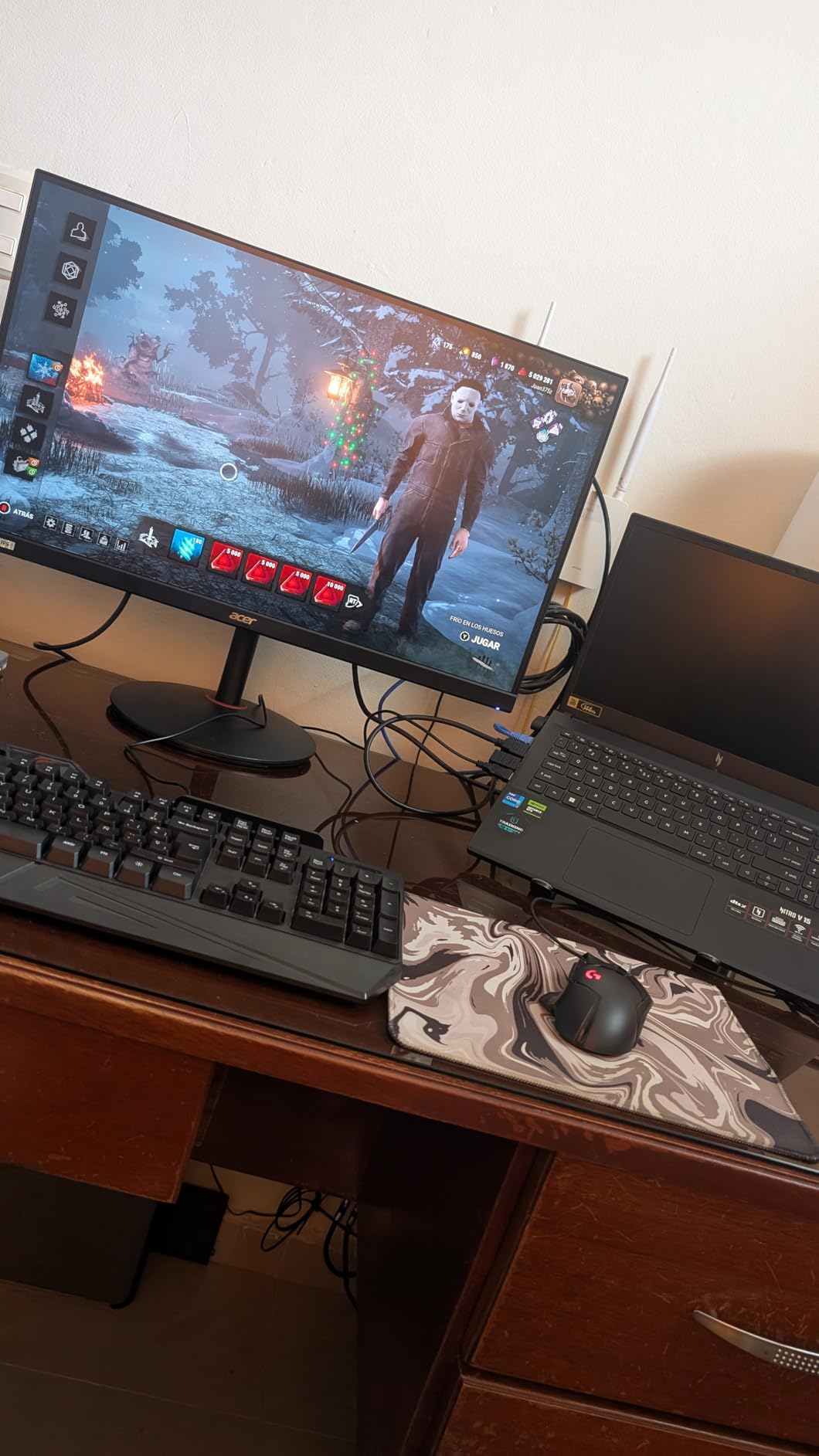
Feedback trends positive on motion smoothness and image quality.
The negatives are what you’d expect: weak speakers and occasional dead pixels.
I also like seeing ergonomic stand adjustment mentioned in reviews.
If your desk chair height changes or you share the setup, that adjustability matters more than people think.
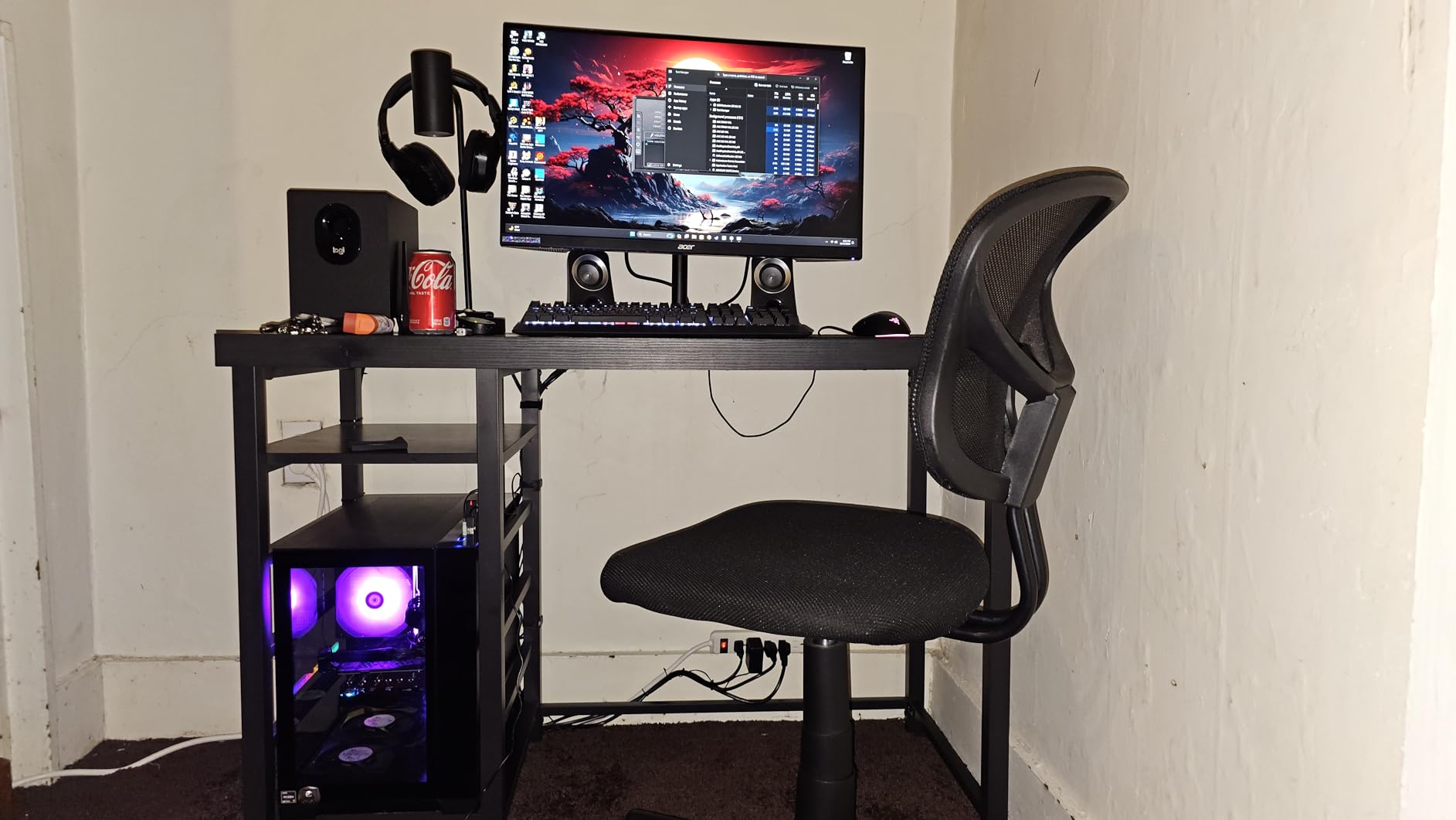
This monitor is great for you if you play on console but also want a strong-value screen for PC gaming
If you split time between console and PC, this spec mix can be smarter than chasing HDMI 2.1 on everything.
If you like games to look colorful, the DCI‑P3 listing is a nice bonus for this class.
Avoid this monitor if you want a console-first spec sheet with no “DP vs HDMI” fine print
If you want the simplest console setup story, choose a model where the best modes are clearly built around HDMI.
If you rely on monitor speakers, plan for external audio or choose a different approach.
10. Acer Nitro KG271U N3 is the best simple QHD IPS pick for a smooth PS5 and Xbox experience
acer Nitro 27 Inch QHD 2560 x 1440 IPS Gaming Monitor | AMD...
27in QHD IPS
Up to 180Hz
HDR10 + FreeSync
Pros
- Great QHD clarity for console gaming
- Smooth feel in fast games
- HDR10 support listed
- VESA mount compatible
Cons
- Stand lacks height adjustment
- Speakers are average
If you want a straightforward console monitor that focuses on the basics, this Acer does the job and stands out among the best gaming monitors for PS5 and Xbox for players who prioritize performance over extra frills.
QHD + IPS + high refresh is the combo that makes 120Hz modes feel clean without forcing you into 4K decisions.
Owner feedback highlights strong performance-for-the-category and smooth gameplay.
The recurring complaints are stand ergonomics, speakers, and occasional unit issues.
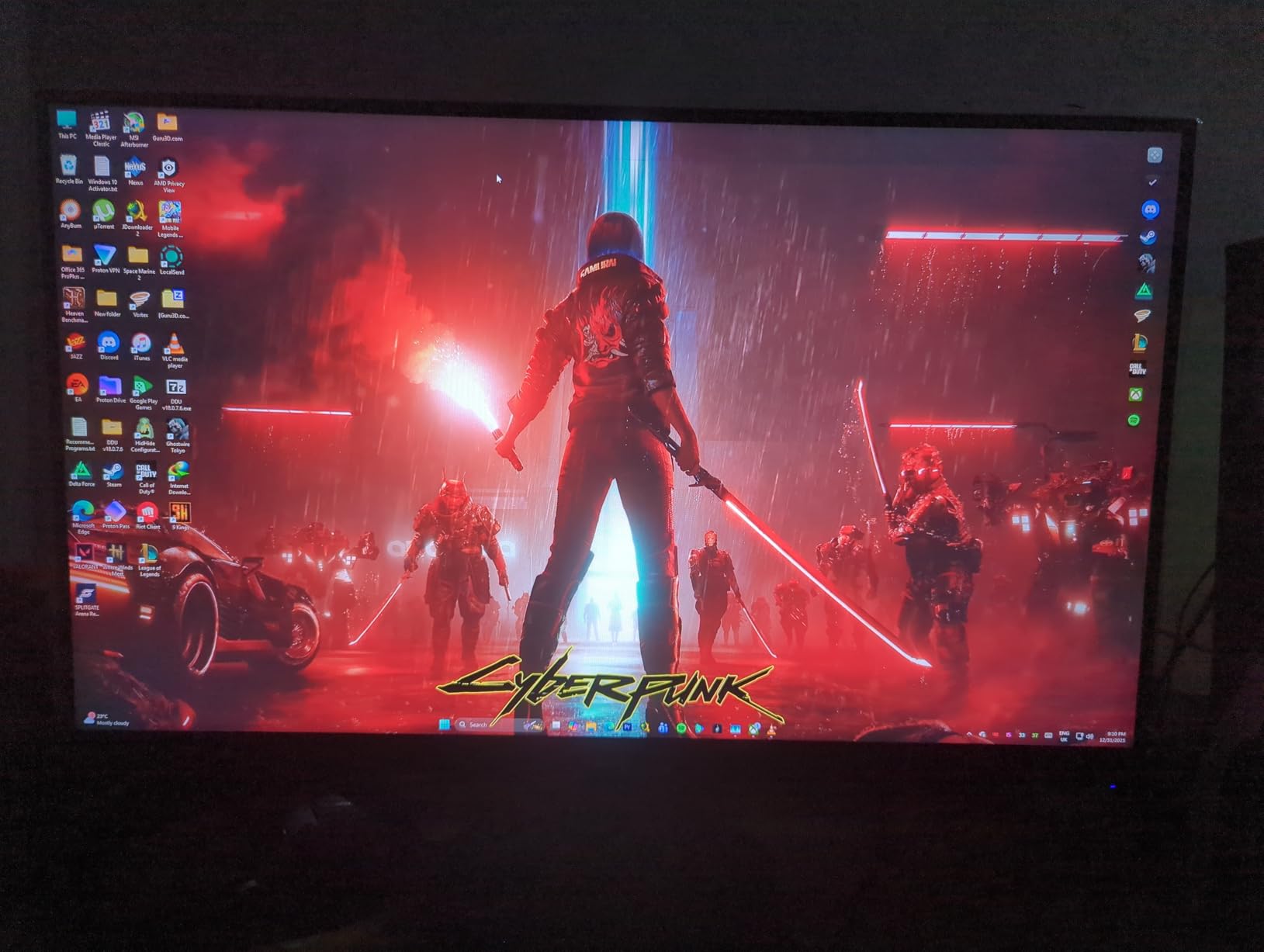
I like seeing VESA mount compatibility called out.
It’s the easiest “upgrade path” when a stock stand doesn’t have height adjustment.
This is not the pick for people who want premium extras.
It’s the pick for people who want a monitor that makes console performance modes feel good.
This monitor is great for you if you want QHD clarity and high-refresh smoothness in a simple setup
If your priority is “make 120Hz modes feel responsive,” this spec mix fits well.
If you want a screen you can later pair with a monitor arm, it’s a flexible starting point.
Avoid this monitor if you need height adjustment on the stock stand or you expect great built-in audio
If you must have height adjustment, plan for an arm or a different monitor stand design.
If you play without a headset, you’ll likely want external speakers either way.
Buying Guide: Pick HDMI reliability first, then resolution and size
The must-have compatibility checklist is stable HDMI 120Hz and VRR behavior
For consoles, the best monitor is the one that reliably runs 120Hz modes over HDMI without weird handshake issues.
Forum threads repeat the same frustration: specs that look great, but only fully work through DisplayPort.
Here’s the short checklist I use before recommending a monitor for PS5 and Xbox:
- At least one HDMI port that supports your intended resolution and refresh combination.
- 120Hz mode works consistently in real games, not just in a menu.
- VRR support (if you want it) doesn’t introduce flicker, black screens, or constant re-sync.
- ALLM or game modes are easy to enable and don’t break image quality.
HDMI 2.1 is best for 4K ambitions, while 1440p monitors can still be excellent for 120Hz play
If you want 4K with high refresh headroom, HDMI 2.1 is the feature that most often reduces hassle.
If you’re shopping for a 27-inch desk monitor, 1440p often feels more effortless while still looking sharp.
In practice, I treat 4K as the best pick for cinematic single-player games and 1440p as the best pick for consistent performance modes.
That’s why this list includes both 4K options and a deep bench of QHD picks.
PS5 1440p works well when the monitor handles the signal cleanly and VRR settings don’t fight each other
PS5 can output 1440p, and it can be a great fit for 27-inch monitors.
The catch is that compatibility depends on how the monitor reports supported modes and how VRR behaves on that exact model.
If you buy a 1440p monitor for PS5, test these items immediately: 1440p output enabled, 120Hz in a supported game, and VRR toggled on and off.
If something feels off, it’s usually a settings conflict, a port limitation, or a firmware quirk.
27 inch is the best default for desks, while 32 inch is better when you sit farther back
If you sit about an arm’s length away, 27 inches is the safest choice for both competitive and casual play.
If you sit farther back or want a more relaxed big-picture experience, 32 inches can be more satisfying.
This matches what we see in forums: 27-inch for tight desk control, 32-inch for immersion and longer viewing distance.
The most common mistake is pairing a huge screen with a shallow desk and then feeling forced to lean back.
Input lag matters most for controller feel, while response-time settings affect blur and ghosting
If controls feel instant, input lag is doing its job.
If you see trails behind fast motion, your response-time mode or overdrive setting is usually the reason.
Many monitors advertise “1ms,” but owners still notice that extreme modes can add ghosting.
When in doubt, choose a moderate response setting and prioritize stable VRR.
A simple console settings checklist usually unlocks 120Hz modes
Most 120Hz problems come from one of three places: the wrong port, the wrong console setting, or the game not being set to performance mode.
Use this order of operations to troubleshoot quickly.
- Use a known-good HDMI cable and the monitor HDMI port intended for high bandwidth.
- Enable 120Hz output and VRR on your console, then reboot once.
- Set the game to performance mode or 120Hz mode inside the game settings.
- If the screen flashes or drops signal, test VRR off to isolate the issue.
If you’re building a comfort-focused console corner, pairing your monitor with one of our best console gaming chairs picks can make longer sessions feel easier.
It’s one of the upgrades people don’t regret.
OLED is best for contrast, while IPS is best for a simpler all-around experience
OLED is the top choice when you want deep blacks and dramatic contrast in dark games.
IPS is the safer default when you want a straightforward monitor that handles mixed use well.
If you’re still torn between desk play and couch play, it can help to compare a monitor to a living-room option like the OLED TV deals route.
TVs can be fantastic for distance viewing, while monitors tend to win for up-close clarity and desk ergonomics.
Frequently Asked Questions
Is a 144Hz monitor an overkill for PS5?
No—PS5 typically targets up to 120Hz, so a 144Hz monitor can still be a great buy, but it won’t make PS5 run above 120Hz. Prioritize stable 120Hz over HDMI plus reliable VRR behavior if you plan to use VRR.
Is 24 or 27 better for gaming?
For most PS5 and Xbox desk setups, 27 inch is the safer pick because it feels more immersive while still being easy to scan in fast games. Choose 24 inch if you sit very close, have a tight desk, or mainly play competitive shooters.
Is 4K or 1440 better for gaming?
4K is better when you want maximum detail for cinematic single‑player games and you sit close to the screen. 1440p is better when you want a smoother, more consistent performance-mode feel and a simple fit for 27-inch monitors.
Is 120Hz or 144Hz better for PS5?
For PS5, 120Hz is the real target because that’s the common cap in supported games. A 144Hz monitor is fine, but treat 144Hz as headroom; what matters is stable 120Hz over HDMI and motion settings that don’t add ghosting.
Conclusion
If you want one monitor that covers both sharp detail and fast play styles, start with the KTC H27P6.
If you want the most dramatic image for story games, the LG QHD OLED is the standout, and for fast QHD IPS play with HDMI 2.1 listed, the LG 27GR83Q-B is a strong option.
If you’re trying to stretch your budget, keep an eye on gaming monitor deals.
Overall, these picks represent some of the best gaming monitors for PS5 and Xbox, and by using the checklist above, you can make sure the monitor you grab actually plays nicely with PS5 and Xbox in 2026.
